How To Log In And Reset Your Storrito Password
How to Log In to Your Storrito Account
There are three ways to log in to Storrito:
- Email and Password
- Continue with Google
- Email sign-in code
Your Storrito account is linked to the email address you used when you first registered. You can use any of the three login methods, as long as you use that same email address.
Log in with Email and Password
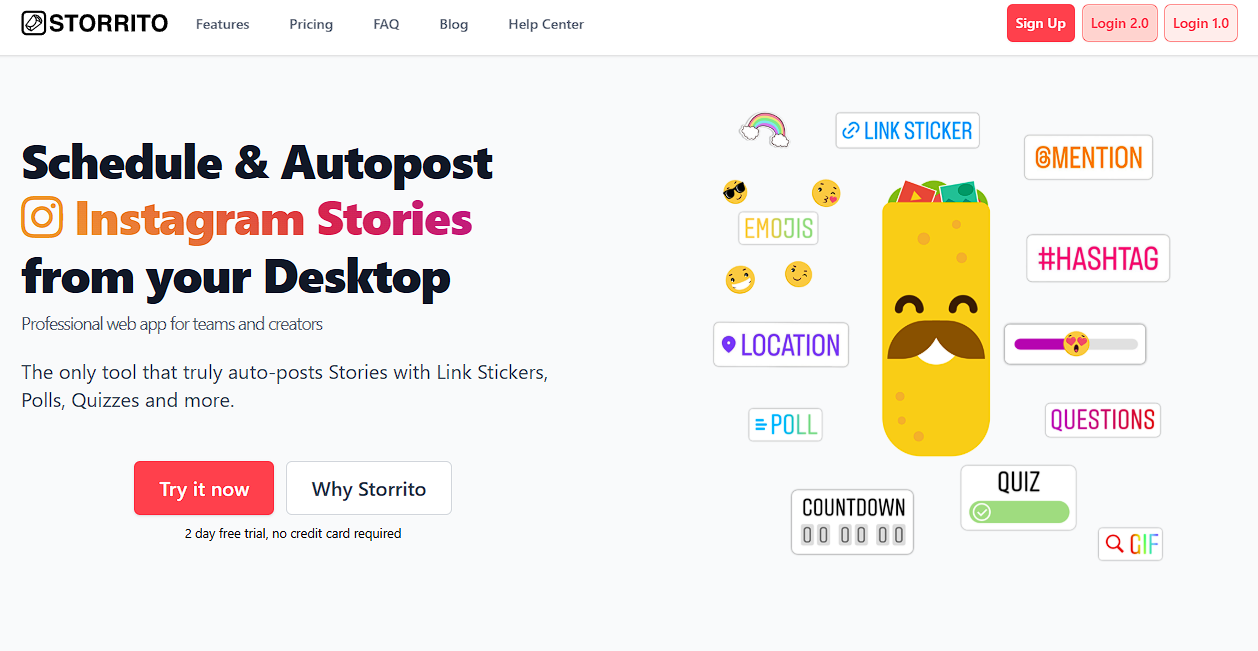
Step 1: Go to storrito.com and click Login 2.0 in the top right corner.
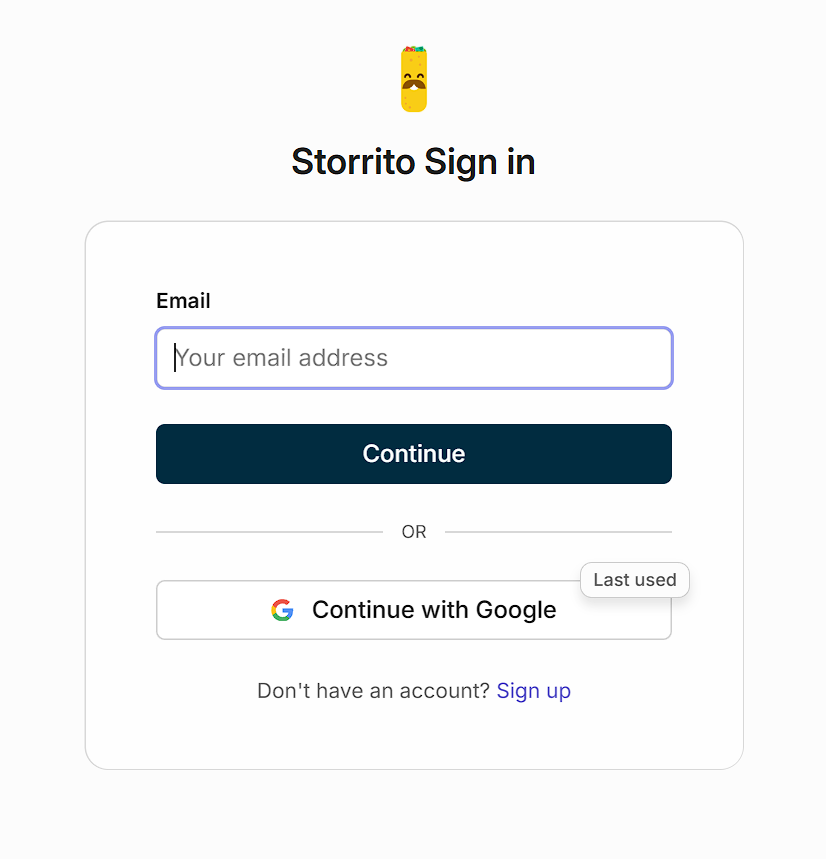
Step 2: Enter your email address and click Continue.
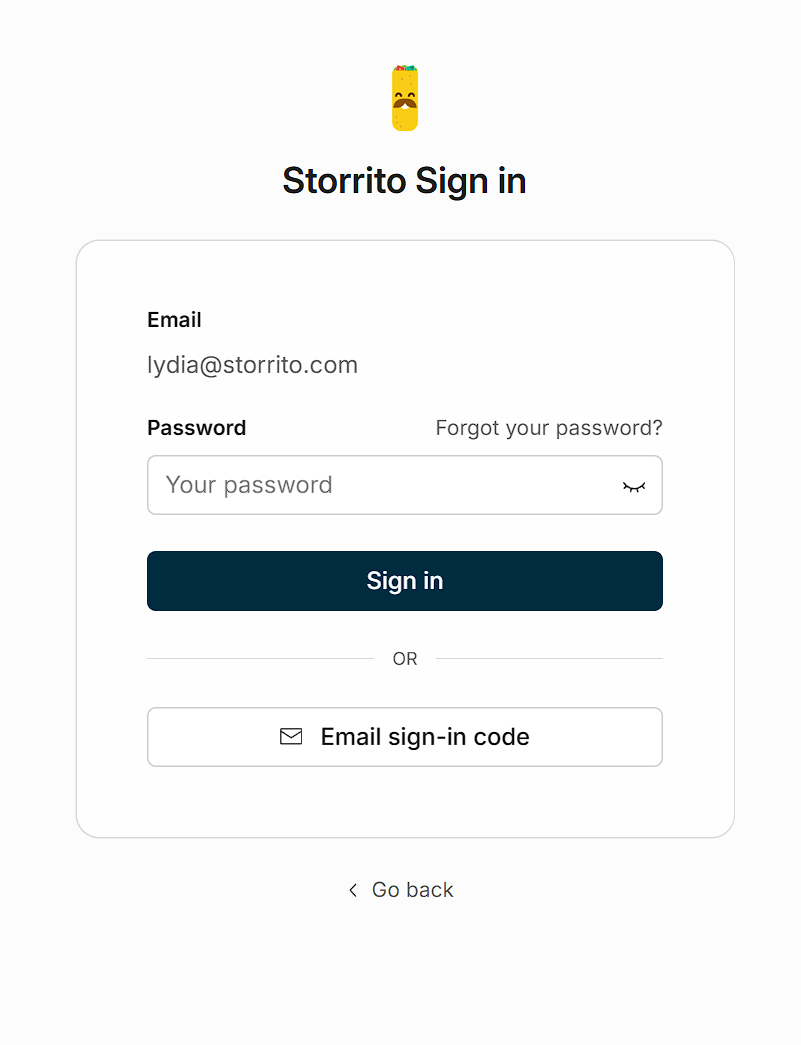
Step 3: Enter your password and click Sign in.
Log in with Google
Step 1: Go to storrito.com and click Login 2.0.
Step 2: On the sign-in page, click Continue with Google.
Step 3: Select the Google account that matches the email address you registered with.
Step 4: You will be logged in automatically.
Log in with an Email sign-in code
Step 1: Go to storrito.com and click Login 2.0.
Step 2: Enter your email address and click Continue.
Step 3: On the password screen, click Email sign-in code.
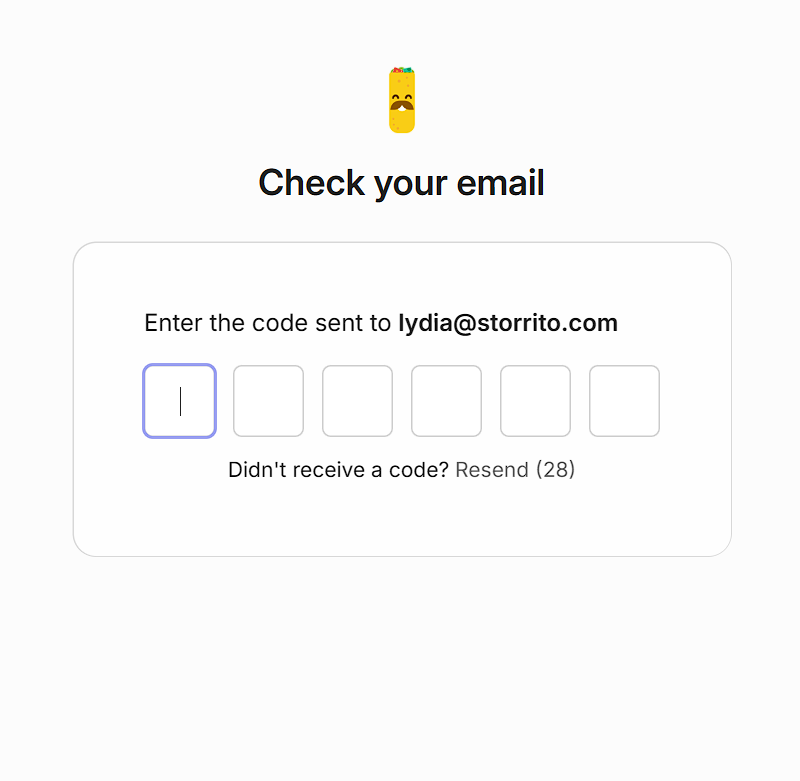
Step 4: Check your inbox for a 6-digit verification code from Storrito and enter it.
How to Reset Your Storrito Password
If you have forgotten your password, you can use the Forgot your password? function on the login page.
Step-by-step instructions
Step 1: Go to storrito.com and click Login 2.0.
Step 2: Enter your email address and click Continue.
Step 3: On the password screen, click Forgot your password?
Step 4: Confirm or enter your email address and click Send reset instructions.
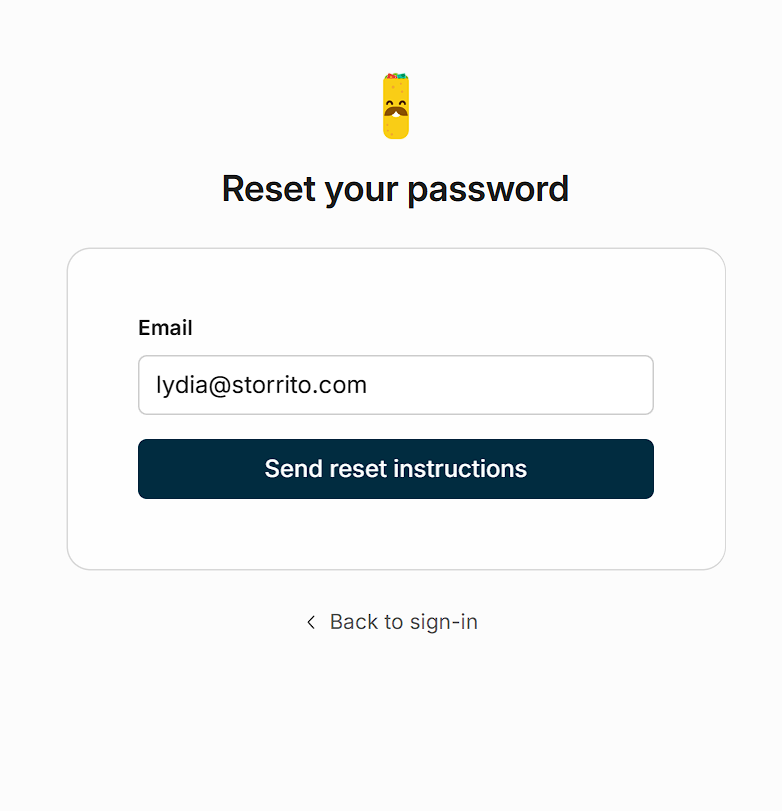
Step 5: Check your inbox for a password reset email from Storrito. If you do not see it within a few minutes, check your spam or junk folder.
Step 6: Click the reset link in the email.
Step 7: Enter your new password and confirm it.
Step 8: Save your new password.
You can now log in with your new password.
Tips
- Make sure you use the same email address that you originally registered with.
- If you registered using Google or an email sign-in code and have never set a password, you can add one by following the steps in our guide: How To Register Or Log In To A Storrito Account.
- If you continue to have trouble logging in, please reach out to us through our dedicated support chat.
Tools
- Subtitle overlay
- Auto Post Instagram Stories
- How to Upload a Video to Instagram Story from PC
- Schedule Instagram Stories with the Link Sticker
- Instagram bio generator
- Upload and post Instagram Reels from PC
- Subtitle generator
- Instagram grid maker
- Schedule Instagram Stories
- Turn an MP3 into an Instagram Story video
- Can you schedule Instagram stories? Yes, with Storrito.com! (Here's How)
- Instagram Story bingo generator
- Storrito toolbox
- Instagram Story Planner (Scheduler)
- Instagram font generator
- Instagram Story 'this or that' generator
- Schedule Facebook Stories from PC
- Instagram Story Maker Online
- Trim a video
- Instagram carousel maker
- PDF to Instagram carousel
- How to schedule Instagram Reels
- How to add a story in Instagram from PC or Mac?
- Post Instagram Stories from PC
- Instagram Story tier list generator