Storrito Subscription Step-By-Step Guide
Signing up for Storrito is quick and easy! Follow these steps to create your account, explore the platform, and add your first credits.
Step 1: Sign-up via Storrito.com
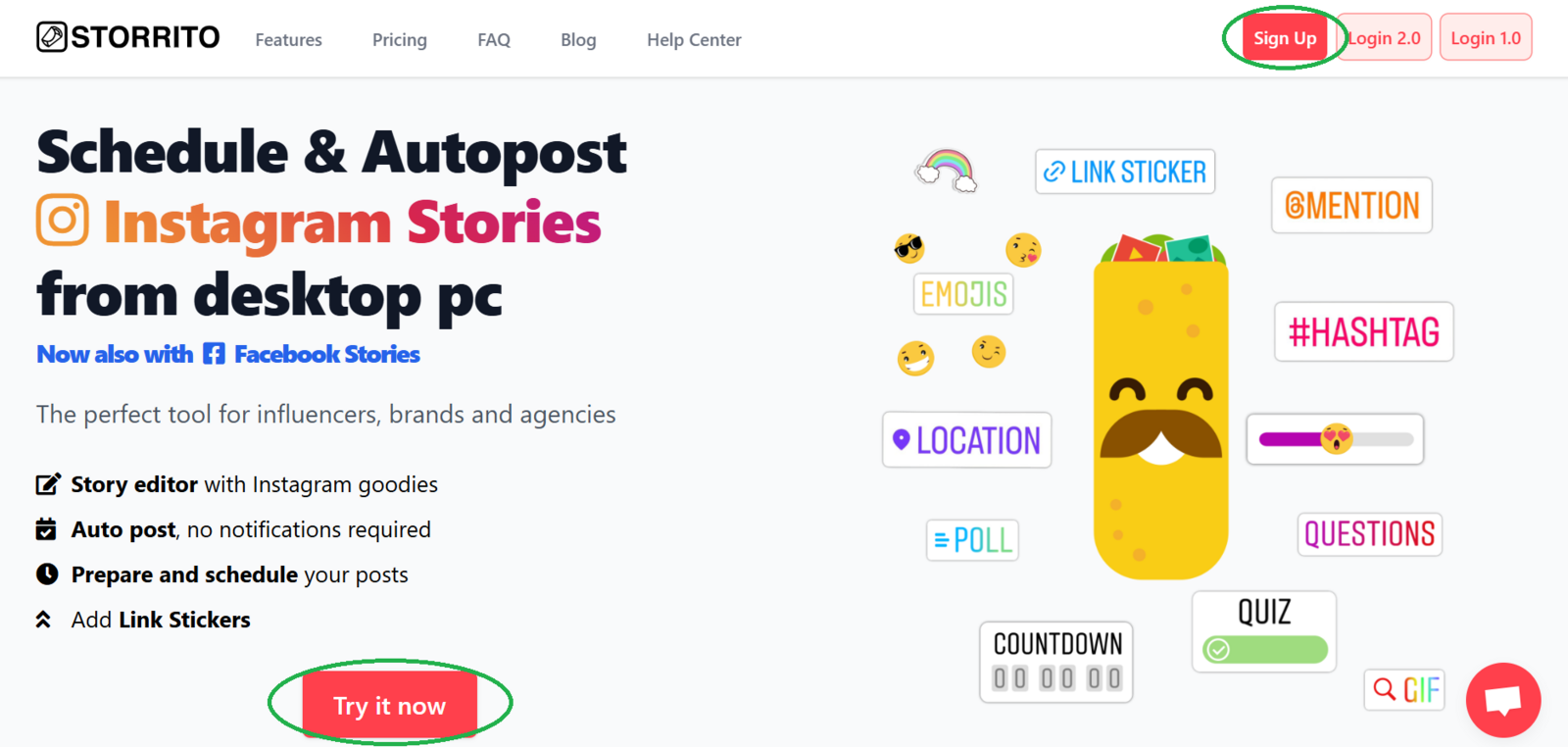
Click Sign Up in the top-right corner or Try it now to access the sign-up page
Step 2: Create your account
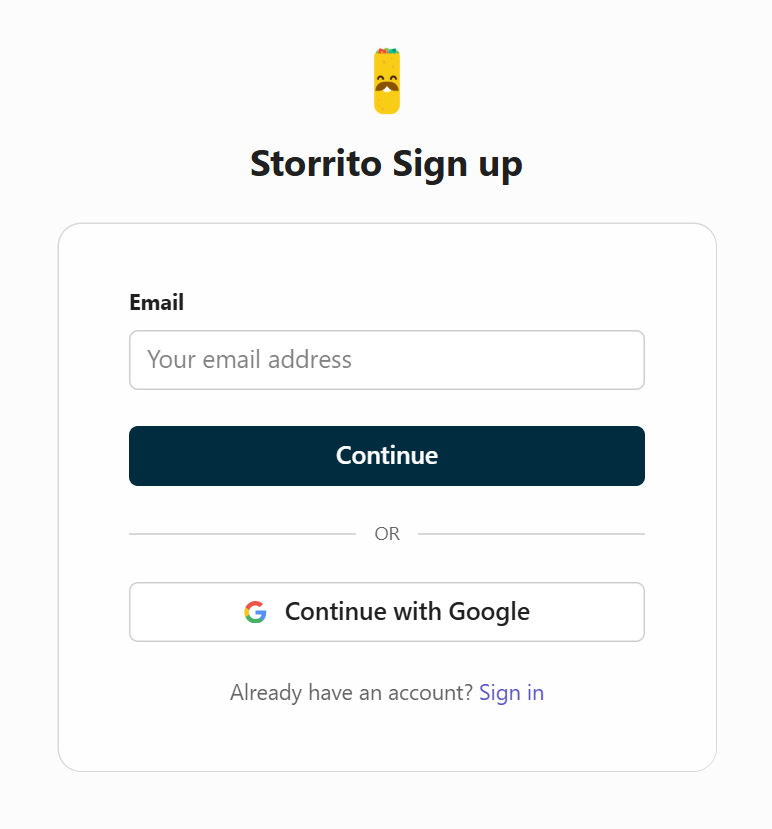
- On the sign-up screen, enter your email address and click Continue
- Alternatively, you can use your Google credentials to register more quickly
- If you already have an account, you can click Sign in instead
Step 3: Create a Story and connect your Instagram account
- Once you've registered, your free account will be ready to use
- Start by creating your first Story in the Storrito editor
- After that, try connecting your Instagram account
- If you need support or have any questions, please don't hesitate to contact us via the red support chat button!
Step 4: Add credits to unlock full features
To unlock posting and scheduling, follow these steps:
- After connecting your Instagram account, you'll be prompted to add credits if you wish to post or schedule your content
- Open the Subscription page to buy your first credits
Step 5: Choose your amount
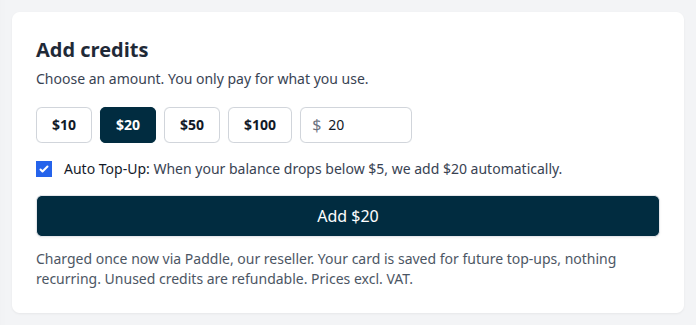
- Pick one of the preset amounts or type in an amount of your choice (minimum $5). The input field will suggest an amount that covers roughly one month of usage based on your setup.
- The auto top-up checkbox is ticked by default. Whenever your balance drops below $5, we add your chosen amount automatically, at most once per day.
- Deselect it to buy credits one time only. You can turn auto top-up on or off at any time.
- Click Add to proceed to the checkout.
Step 6: Proceed to Checkout
- You can pay in any currency that Paddle, our merchant of record, supports, but your order will be shown in USD (US-Dollars)
- VAT will be added at the checkout
- Your payment method will be saved for future top-ups. There are no recurring fees unless you keep auto top-up on.
Please note: you can use whichever feature or features you choose with your credits. Feature usage is deducted from your credits, and you only ever pay for what you use.
Tools
- Subtitle overlay
- Auto Post Instagram Stories
- How to Upload a Video to Instagram Story from PC
- Schedule Instagram Stories with the Link Sticker
- Instagram bio generator
- Upload and post Instagram Reels from PC
- Subtitle generator
- Instagram grid maker
- Schedule Instagram Stories
- Turn an MP3 into an Instagram Story video
- Can you schedule Instagram stories? Yes, with Storrito.com! (Here's How)
- Instagram Story bingo generator
- Storrito toolbox
- Instagram Story Planner (Scheduler)
- Instagram font generator
- Instagram Story 'this or that' generator
- Schedule Facebook Stories from PC
- Instagram Story Maker Online
- Trim a video
- Instagram carousel maker
- PDF to Instagram carousel
- How to schedule Instagram Reels
- How to add a story in Instagram from PC or Mac?
- Post Instagram Stories from PC
- Instagram Story tier list generator