How To Add The Hashtag Sticker
The Hashtag sticker is a valuable tool for helping your business reach a wider audience on Instagram Stories. Here's how to add it using Storrito.
Steps to Add a Hashtag Sticker in Storrito
Step 1: In the editor, click “Sticker” in the left sidebar to open the sticker panel.
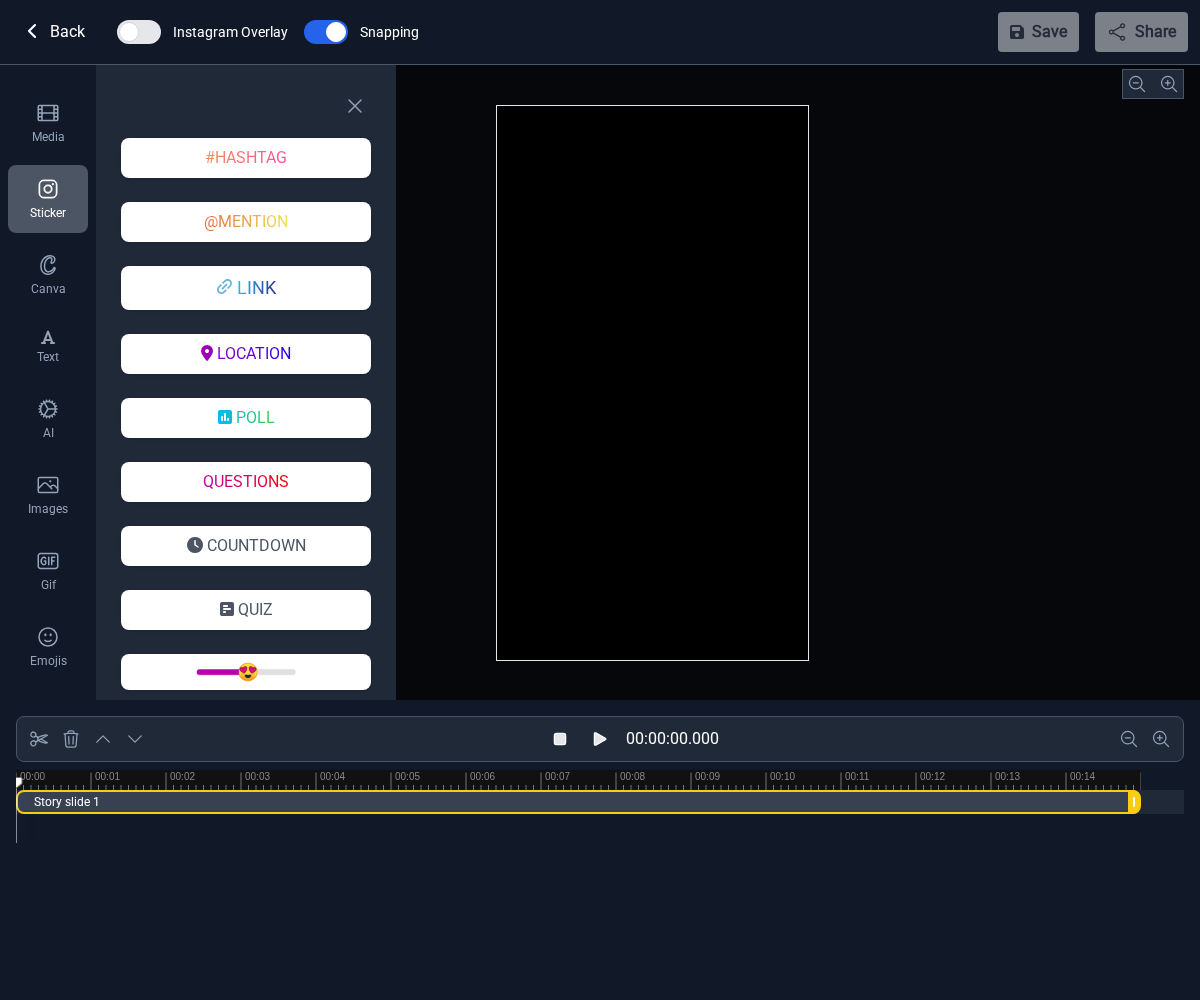
Step 2: Click the “#HASHTAG” button. A dialog will appear where you can configure your hashtag sticker.

Step 3: Fill in the hashtag details:
- Hashtags: Enter up to five hashtags (separated by commas for multiple).
- Design: Pick a hashtag design from the available options.
- Click “Add Hashtag” when you're done.

Step 4: The Hashtag sticker is now part of your story. You can drag it to reposition it on the canvas.

Adding a Hashtag sticker in Storrito is quick and easy! To learn more about how hashtag stickers can help expand your reach, check out our in-depth article here.
Tools
- Subtitle overlay
- Auto Post Instagram Stories
- How to Upload a Video to Instagram Story from PC
- Schedule Instagram Stories with the Link Sticker
- Instagram bio generator
- Upload and post Instagram Reels from PC
- Subtitle generator
- Instagram grid maker
- Schedule Instagram Stories
- Turn an MP3 into an Instagram Story video
- Can you schedule Instagram stories? Yes, with Storrito.com! (Here's How)
- Instagram Story bingo generator
- Storrito toolbox
- Instagram Story Planner (Scheduler)
- Instagram font generator
- Instagram Story 'this or that' generator
- Schedule Facebook Stories from PC
- Instagram Story Maker Online
- Trim a video
- Instagram carousel maker
- PDF to Instagram carousel
- How to schedule Instagram Reels
- How to add a story in Instagram from PC or Mac?
- Post Instagram Stories from PC
- Instagram Story tier list generator